Add-on · paid as you use
AI that works on the design. Only when you ask.
Qepe digitizes every logo without AI. When a logo comes in as a photo, or you would rather say what to change than do it by hand, AI Digitizing PRO and Qepe AI do the work, and you pay only for what they use.
- The photo the customer sent
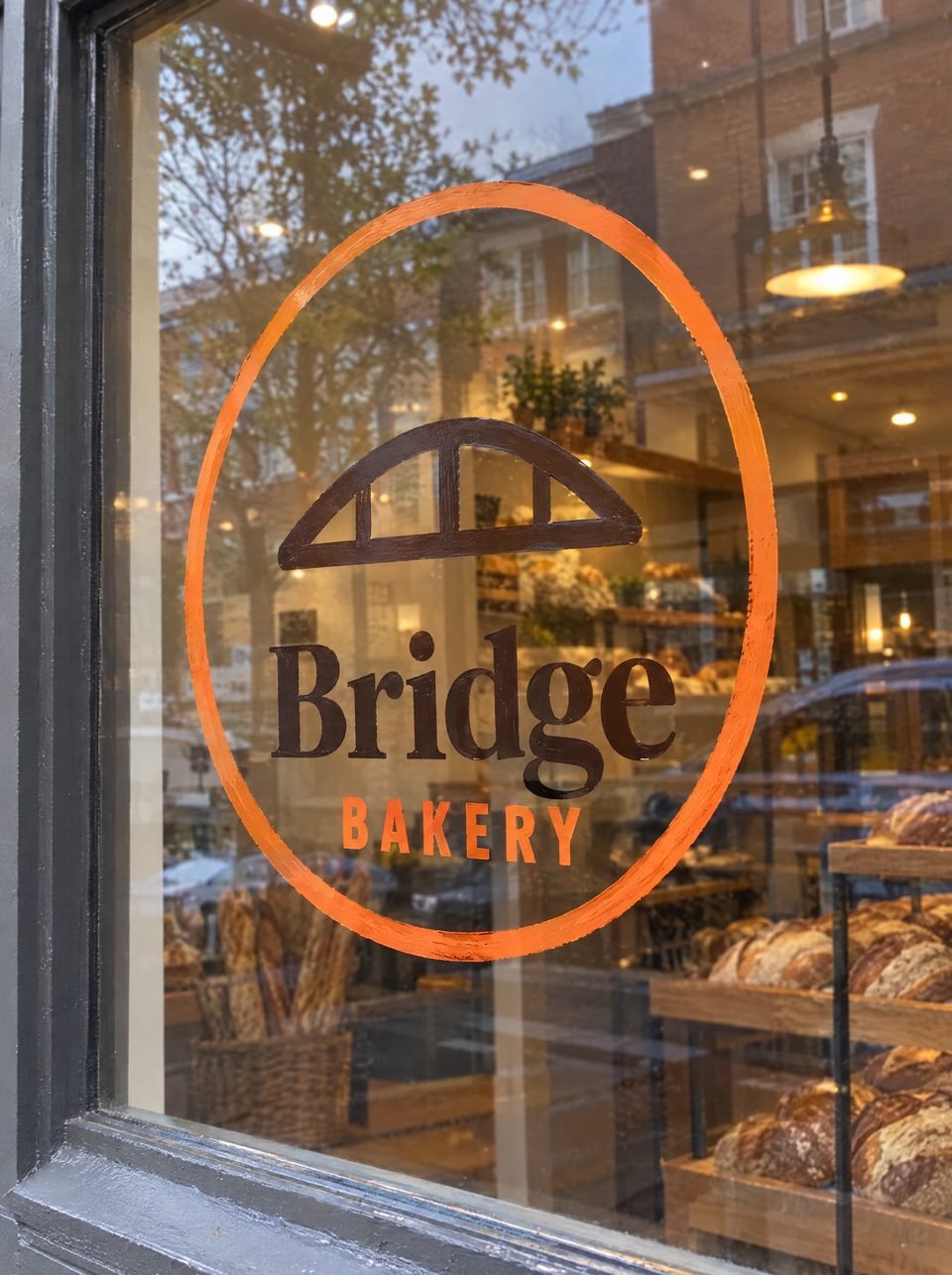
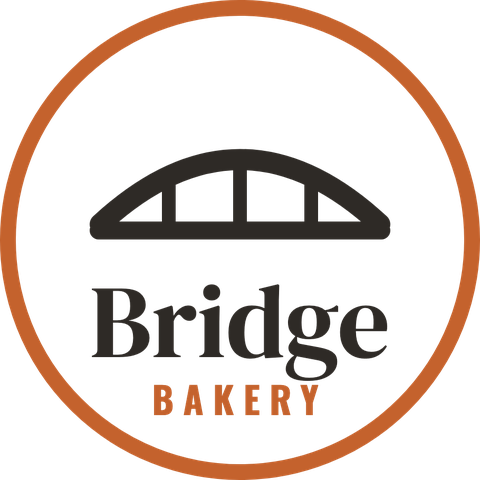
- The artwork, cleaned
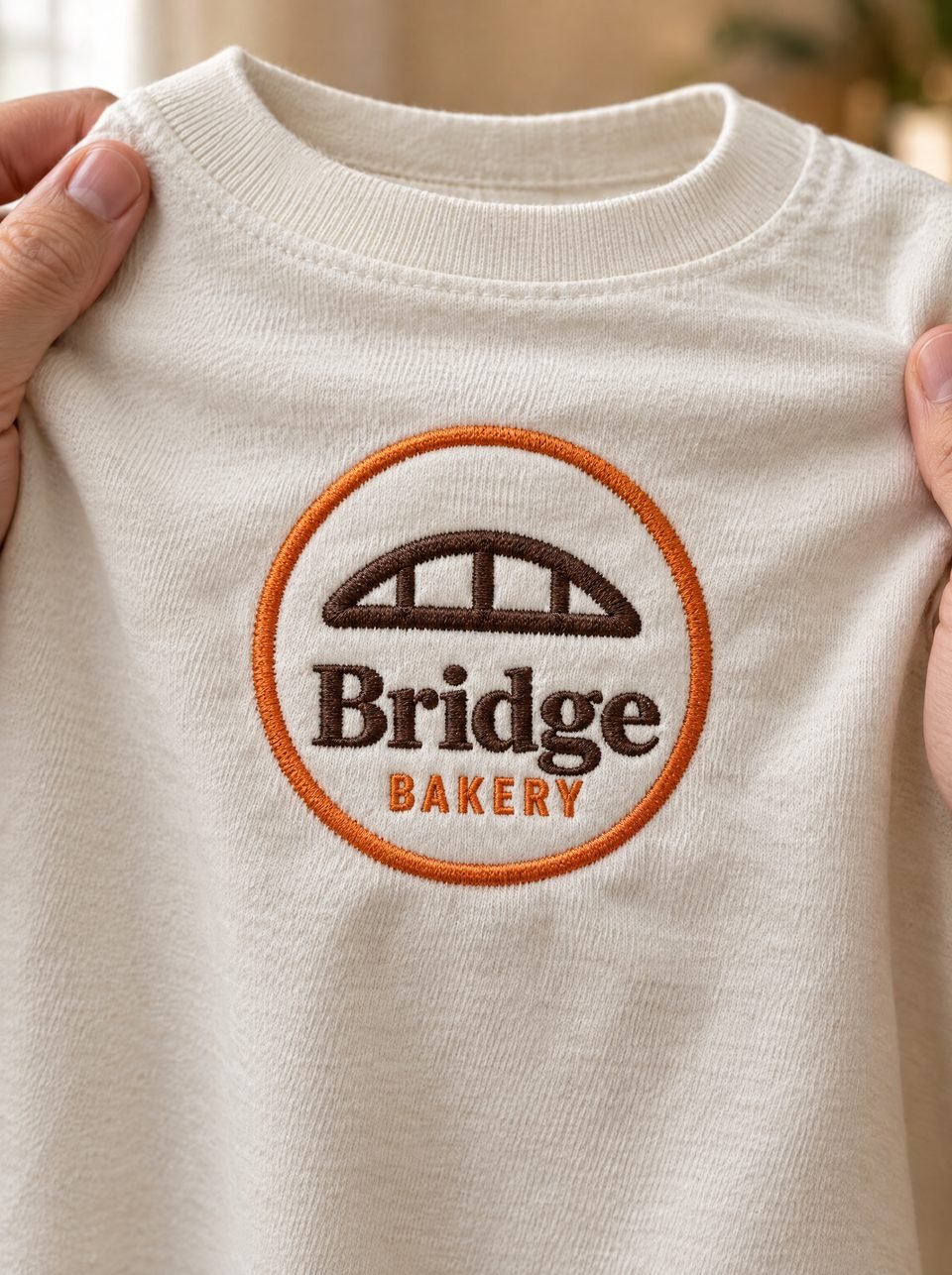
- The logo, embroidered


AI Digitizing PRO
From a photo to a file the machine reads.
Customers send what they have: a photo of a sign, a screenshot, a logo on a cup. AI Digitizing PRO takes it from there.
Cleans it into artwork
The logo alone, in flat colours, ready to be traced.
Digitizes it
The Auto Digitizer sets the stitch type, underlay and stitching order for every part, as for any logo.
Pictures it embroidered
It draws how the logo will look embroidered and compares the stitches with that picture.
Checks it with Quality
The same check as every file, with its findings in plain words.
Qepe AI
Say what to change. Qepe AI does it.
Ask for a change in your own words, on the design that is open, and watch Qepe AI make it.
- How far it may go
- Advisor looks and explains · Assisted proposes, you keep or undo · Autonomous applies
- How hard it works
- Quick fix · Professional · Deep optimization
- Review
- Looks at the design like a professional digitizer: tell it the thread, the stabilizer and what matters most, and it suggests settings for each part and a production sheet.
Qepe AIAsk
An example request
Through Quality
Every change the AI makes goes through Qepe’s Quality check.
Rolled back
A change that would make the design worse is undone by itself.
One undo
Each run is one step: Undo takes all of it back.
Credits: pay for what you use.
AI is the only part of Qepe that runs on credits. Every licence year includes 1,000, valid for that year; after that you buy them in advance, and each action spends only what it used.
- Before a runThe button shows what the action costs, in credits.
- After itThe run keeps only what it really used; the rest goes back.
- If it failsIt costs nothing: everything it reserved goes back.
- At zeroThe AI buttons say Add credits. Everything else in Qepe keeps working.
The price of each action and of the credit packs is set before the first release, from what each action really costs.
The licence, €149 a year, includes 1,000 creditsWhat leaves your computer.
- Only when you ask
- Nothing goes anywhere until you run an AI action.
- Only what the action needs
- Your request, the design as data, and pictures of the stitches and of the logo.
- Your client’s logo can stay
- Turn on Keep the original artwork on this computer, and no picture of the logo is sent.
- Not kept
- Qepe asks OpenAI not to store the conversation, and keeps it in memory only: at most four, for two hours.
Questions
- Do I need AI to use Qepe?
- No. The Auto Digitizer, Quality, every hand tool and every machine file work without AI and without credits.
- What does an AI action cost?
- Every licence year includes 1,000 credits. The button shows what an action costs before it runs; the prices are set before the first release, from what each action really costs.
- What happens when my credits run out?
- The AI buttons say Add credits. Everything else in Qepe keeps working, and nothing you made is locked.
Your next logo, ready to embroider.
Turn the next logo your customer sends into a checked, machine-ready file, on your Mac or PC.
Not released yet. From the first release: 7 days free, then €149 a year